
Filming Your First Yoga Video:
Everything I Wish I Knew
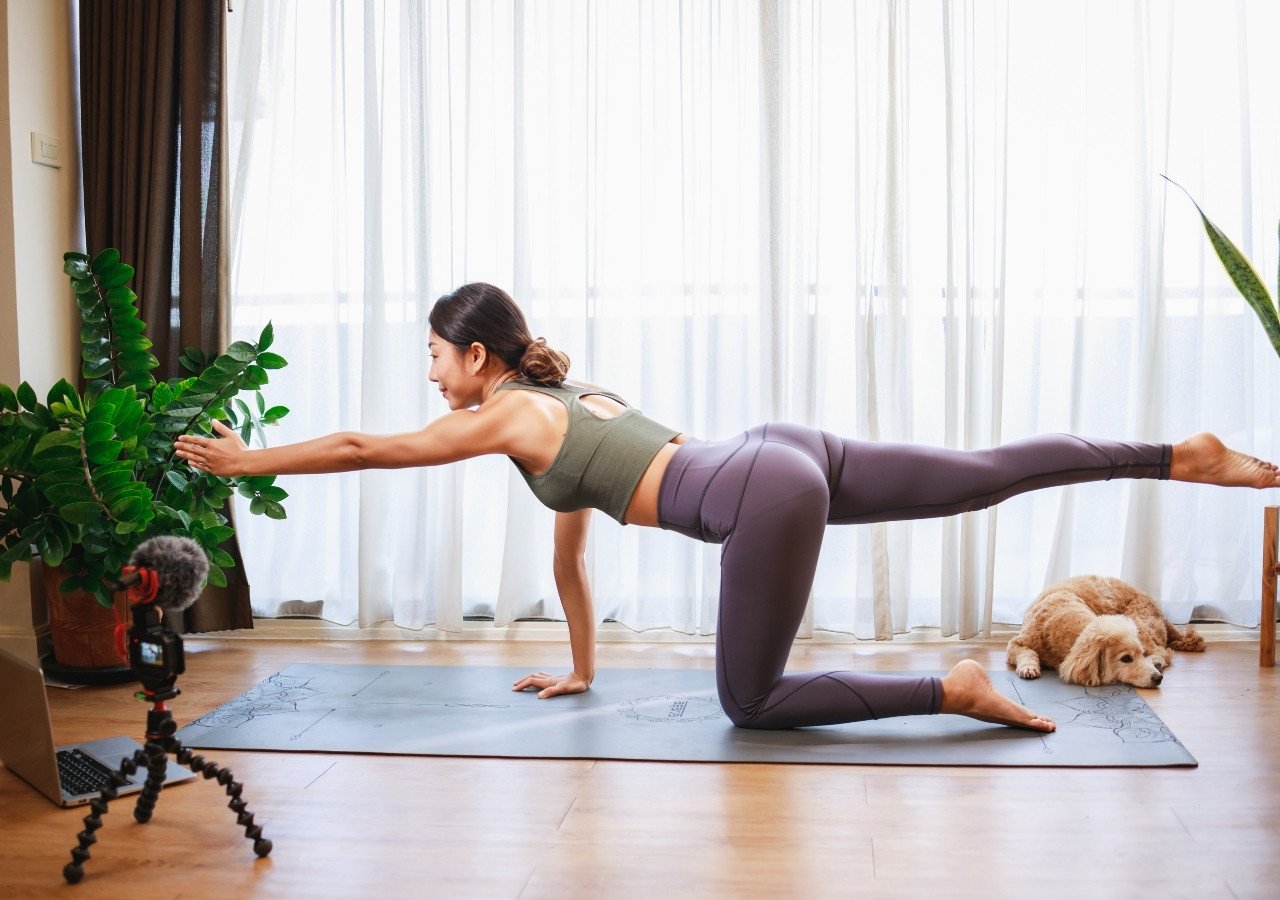
Filming your first yoga video can feel intimidating, but it’s also one of the best ways to grow your teaching business online. Online yoga is no longer a niche trend, the global online yoga market is projected to grow from about $20 billion in the mid-2020s to $60 billion by 2033. That demand means more opportunities for teachers who share their classes on platforms like YouTube, their own websites, or online course portals.
This guide will show you how to film professional-quality yoga classes with just your iPhone, from setup and audio to editing and gear. You’ll avoid rookie mistakes and feel confident sharing your teaching with the world.
This post may contain affiliate links. If you purchase through these links, I may earn a small commission at no extra cost to you. I only recommend tools and products I use and trust for yoga teachers.
How do I set up my space and camera to film a yoga video?
Lighting: Natural light is best. Place your mat facing a window so your body is evenly lit. Avoid having bright windows behind you, which can make you appear in silhouette. If natural light isn’t available, a simple ring light in front of the camera works well.
Framing: Position your iPhone on a tripod or stable surface at about chest height. Step back far enough so your entire body fits in the frame, even when standing with arms overhead or lying flat.
Orientation: Record horizontally (16:9) for YouTube or course platforms, and vertically (9:16) if you’re filming for TikTok or Instagram Reels.
Background: Keep it uncluttered. A plain wall, plants, or a few props are enough. Wear clothing that contrasts with your background so your movements are easy to see.
Test Clip: Record 10 seconds, move through a tall and wide pose, and check playback before filming the full class.
How can I get clear, high-quality audio for my yoga video?
Audio is as important as video. Students will stop watching if they can’t hear you clearly.
- External Mic (Recommended): A lavalier mic, like the Rode Wireless GO, clips near your chest and captures your voice directly. This reduces echo and background noise.
- Voiceover Option: Record your class silently, then add narration afterward using your iPhone headphones or a USB mic in a quiet space. Even a walk-in closet works well because clothing absorbs echo.
- Room Setup: Close windows, turn off fans, and add rugs or curtains to reduce reverb if you’re recording live audio.
What editing tools and tips should I use for filming my first yoga video?
You don’t need pro software. Start simple:
- Beginner-Friendly Apps: iMovie (iOS), CapCut (iOS/Android), or Adobe Premiere Rush are easy to use.
- Keep Edits Minimal: Trim dead time, add a title card, brighten video if needed, and sync audio if you recorded separately.
- Music: Only use royalty-free tracks, and keep volume low under your voice.
- Backups: Export your video and save raw footage to cloud or external storage. Full-length yoga classes can take up a lot of memory.
Check out Best Platforms to Sell Yoga Courses and Memberships Online
Do I need expensive equipment to film my first yoga video?
No. You can start with just your iPhone. But certain tools will improve quality:
- Tripod: Inexpensive phone tripods or mounts prevent shaky footage.
- Microphone: A lav mic (wired or wireless) dramatically improves sound. Rode mics are common and reliable.
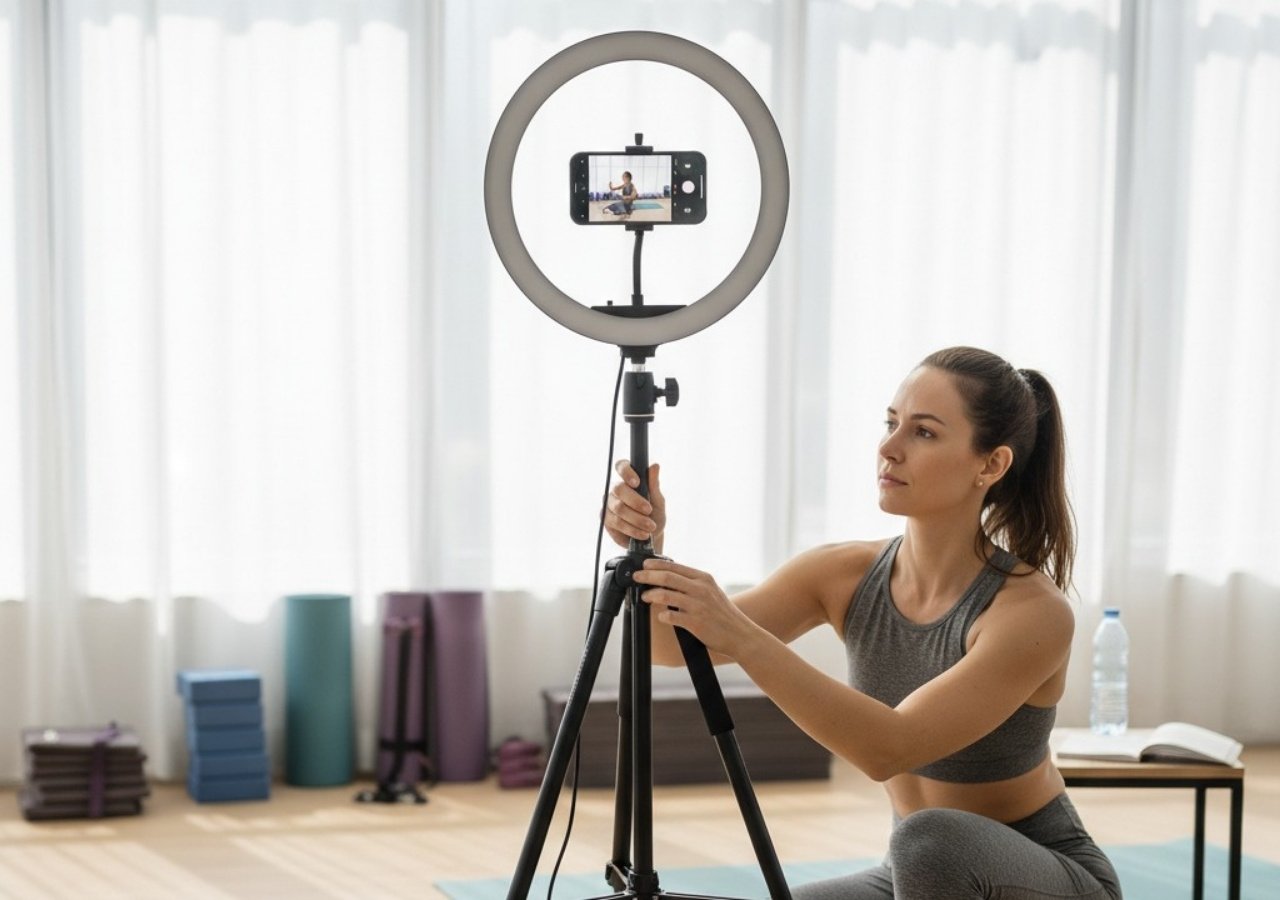
- Lighting: Natural light is ideal, but ring lights or softboxes help in dim spaces.
- Remote Shutter: A small Bluetooth remote saves you from running back and forth to your phone.
- Storage & Power: Extra memory or a portable charger prevents filming interruptions.
For proof that you don’t need a studio setup: Adriene Mishler, the teacher behind Yoga With Adriene, began filming in her modest Austin living room with just a mat, some plants, and her dog Benji. Today, she has over 13 million YouTube subscribers.
What should I check before filming my first yoga video? (Quick Checklist)
Lighting is bright and even
Tripod/phone is steady
Full-body visible in frame
Background uncluttered
External mic or voiceover plan ready
Phone on Airplane Mode with enough storage and battery
Short test clip reviewed
FAQ
Q: Can I film with just my iPhone?
Yes. Modern smartphones record in HD or 4K, which is more than enough for yoga classes.
Q: Should I film horizontally or vertically?
Horizontal (16:9) for YouTube or courses, vertical (9:16) for Reels or TikTok.
Q: How do I reduce echo?
Use a lav mic or record narration separately in a smaller, carpeted room.
Q: How long does filming and editing take?
Your first 20-minute class may take several hours with setup and editing. It can be a very frustrating process but it gets easier with practice.
Q: Where should I upload my videos?
YouTube is ideal for discovery. For paid classes, use Vimeo, Teachable, Marvelous, or embed videos on your own website.
You’ve Got This
Filming your first yoga video isn’t about expensive gear, it’s about sharing your teaching authentically. With good lighting, stable framing, clear audio, and simple editing, you can produce a professional class that students will value.
To make the filming experience smoother, consider preparing yourself as much as your space:
- Outline Your Script: Write a brief bullet list of your sequence and key cues. Don’t script word-for-word, but note transitions, breathing cues, and timing so you stay on track.
- Practice Aloud: Run through your class while speaking your cues out loud. This helps you spot clunky phrasing before you’re on camera.
- Keep It Conversational: Talk as if you’re guiding one student in the room. Students connect more with a natural, supportive tone than a memorized script.
- Pause with Purpose: Small pauses for breath or emphasis feel professional and give viewers space to absorb your instructions.
- Smile and Soften: A relaxed, warm expression translates on camera. Even if you feel nervous, smiling changes your voice and helps students feel welcome.
Remember, even the biggest names started small. What matters most is consistency and presence. Each video builds your skills, confidence, and community.